In this guide
At a glance
What this guide helps you decide
Choose an e-reader for college by screen size, note-taking, file compatibility, library access, accessibility, durability, and total ownership cost.
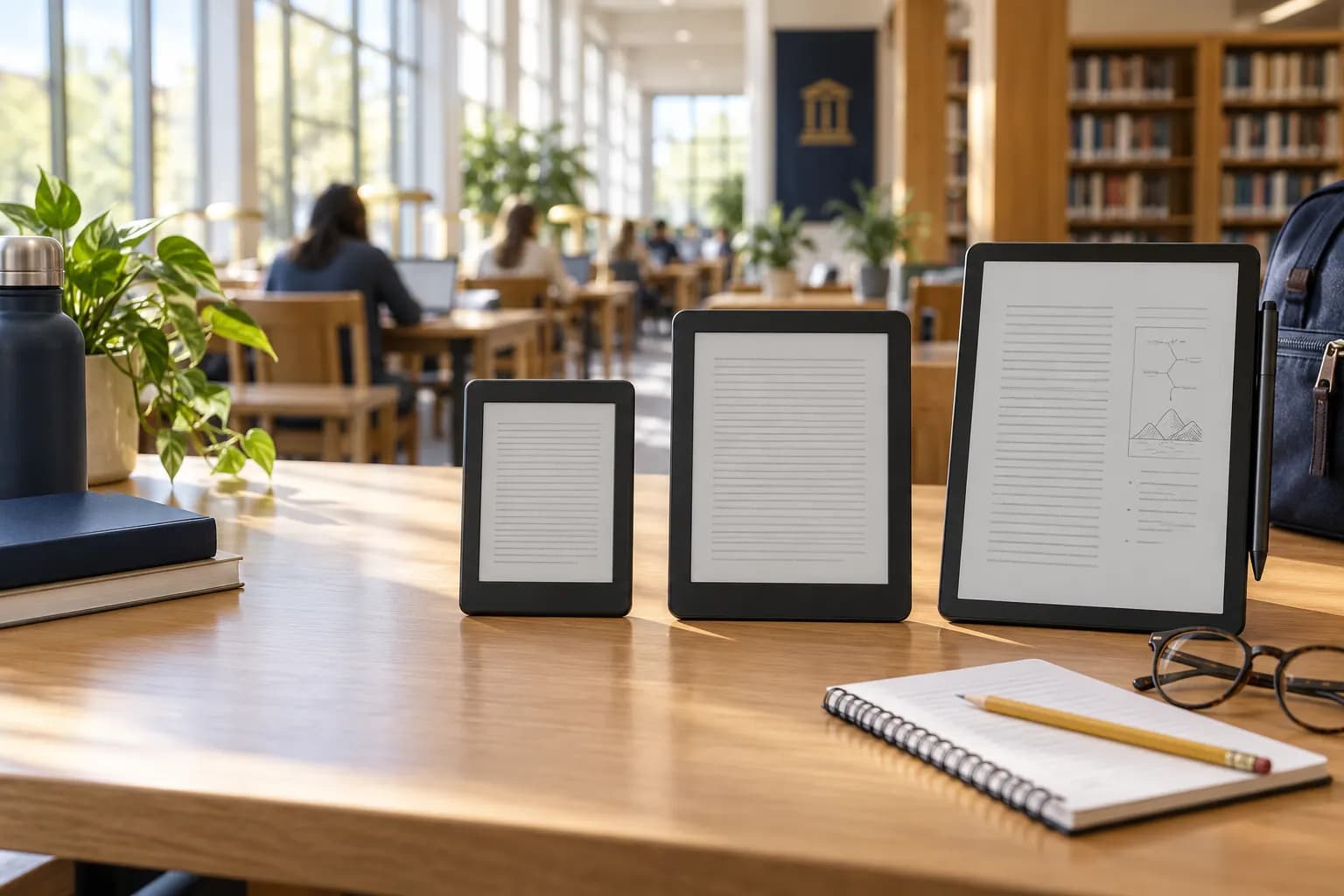
For mostly novels and articles, a compact e-ink reader may be enough. For scanned PDFs, equations, or handwritten notes, screen area and export tools matter more. For color diagrams and interactive homework, a conventional tablet may be the better academic purchase.
Start with the files your courses actually use
Collect sample EPUBs, PDFs, scanned readings, library loans, and publisher-platform requirements. Confirm whether the device can open, navigate, annotate, and export those materials without awkward conversion. Fixed-layout PDFs designed for letter-size paper can be frustrating on a small screen even when technically supported.
Check whether instructors require browsers, video, quizzes, lockdown software, or interactive courseware. An e-reader should complement those requirements, not create a second device purchase.
Match device type to the study job
| Primary use | Starting category | What to test |
|---|---|---|
| Long-form novels and readings | Compact or standard e-ink reader | Portability, comfort, library compatibility |
| PDFs and journal articles | Larger display | PDF rendering, zoom, page turns, file transfer |
| Handwritten course notes | Larger note-capable device | Stylus latency, export, search, replacement stylus cost |
| Color diagrams or interactive homework | Tablet may fit better | Color, browser/app support, courseware requirements |
Evaluate eight features before comparing brands
- Display size: enough space for the material without constant zooming.
- File compatibility: support for course formats and straightforward transfers.
- Library access: compatibility with the services available in your region.
- Annotation: highlighting, handwriting, bookmarks, and usable exports.
- Accessibility: font controls, contrast, screen-reader or audio support as needed.
- Battery and charging: realistic endurance using your brightness and wireless settings.
- Durability: case availability, water resistance where relevant, and repair exposure.
- Storage and cloud dependence: room for large PDFs and offline study.
Calculate total ownership cost
Do not justify a premium model using features you will rarely use. Include replacement styluses, proprietary cases, expanded storage, or subscriptions needed for your workflow. Compare that total with using an existing tablet or laptop.
When buying an e-reader makes sense
Stronger case
You read long-form material every week, verified file and library compatibility, and expect the device to replace printing or another purchase.
Weaker case
Your courses rely on color, complex PDFs, interactive platforms, or a laptop you already use comfortably.
Compare current Kindle device options
Amazon changes device models, bundles, features, and prices. Use the criteria above first, then confirm current specifications and terms on the retailer page. View current Kindle devices
Amazon controls availability, specifications, prices, and promotion eligibility. Verify them before purchase.
Editorial conclusion
A compact reader is usually the value choice for prose. A larger device earns its premium when PDF readability or handwriting materially improves coursework. A tablet remains stronger for color and interactive content. Test the academic workflow before committing to an ecosystem.
Next, compare Kindle and print textbook formats.
Student e-reader FAQ
Is an e-reader better than a tablet for textbooks?
It depends on the coursework. E-ink can be comfortable for long-form reading, while tablets are often better for color, video, interactive courseware, and complex layouts.
What screen size works for college textbooks?
Smaller screens suit novels and portability; larger screens are generally easier for PDFs, diagrams, split-page notes, and fixed-layout material. Test your actual files when possible.
Do I need a note-taking e-reader?
Only if handwriting, PDF annotation, and consolidated notes improve your real workflow enough to justify the higher total cost.
Will every library ebook work on every device?
No. Library platforms, regional availability, file formats, and device integrations differ. Verify your campus and public library services before buying.